Section 2.1
Improper Engine Oil Level
To determine if improper engine oil level is causing low oil pressure, perform the following steps:
- Ensure that the vehicle is parked on level ground.
- Check the engine oil level; refer to appropriate service manual, preventive maintenance chapter.
- If the engine oil level is correct, check lubricating oil viscosity; refer to "2.2 Improper Lubricating Oil Viscosity" .
- If the engine oil level is incorrect, refer to "2.1.1 Low Engine Oil Level Resolution" .
Section 2.1.1
Low Engine Oil Level Resolution
Perform the following steps for low engine oil level:
- Fill engine oil pan to correct level; refer to appropriate service manual, preventive maintenance chapter.
- Verify low engine oil resolution; refer to "2.1.1.1 Test for Proper Engine Oil Level" .
Section 2.1.1.1
Test for Proper Engine Oil Level
Perform the following steps to determine if properly filled oil pan resolved low oil pressure:
- Install the Diagnostic Data Reader to the vehicles Display Data Line Adaptor, see Figure
"Typical Display Data Line Adaptor"
; refer to OEM guidelines.
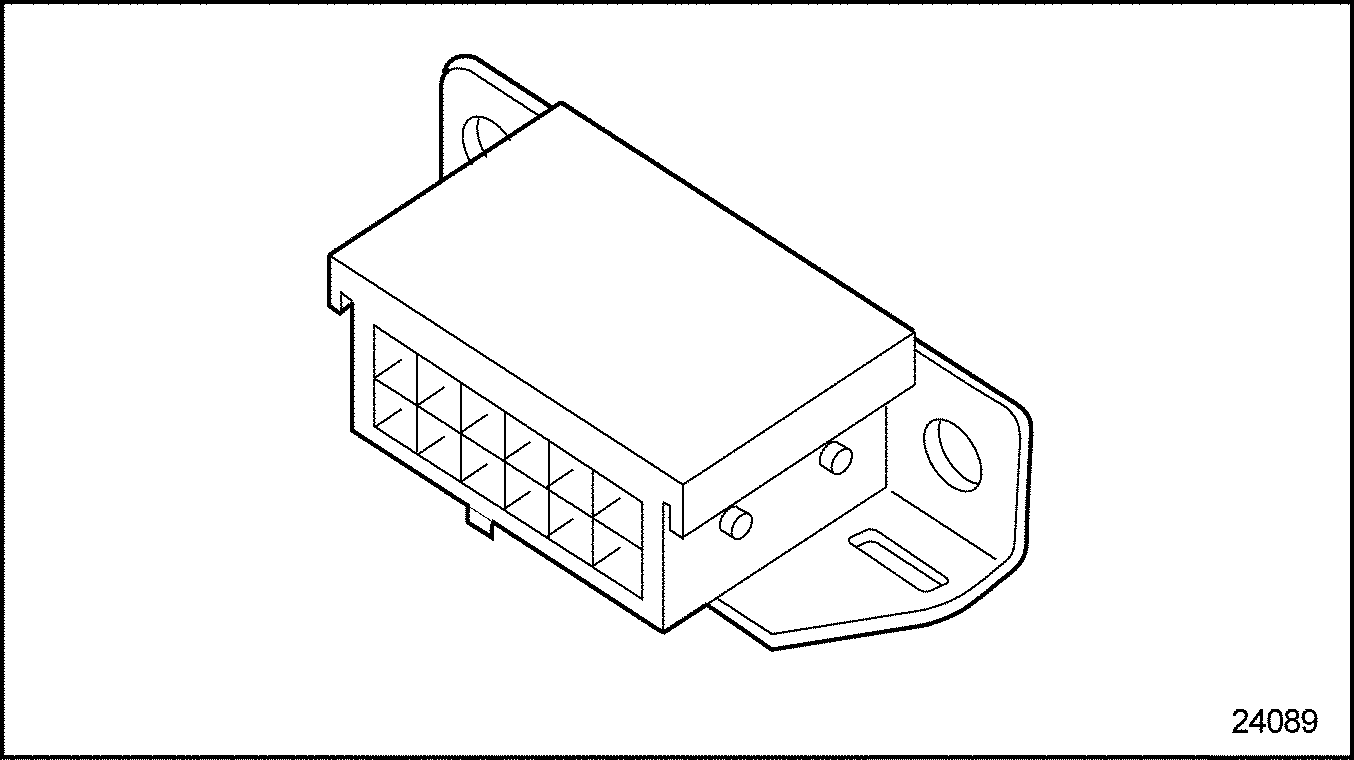
Figure 1. Typical Display Data Line Adaptor
- Start and vary engine speed between 1800 - 2100 rpm.
- Visually examine the DDR for oil pressure reading.
- If the DDR indicates oil pressure greater than or equal 241 kPa (35 psi) at 1800 rpm, shut down the engine and disconnect the DDR. No further troubleshooting is required.
- If the DDR indicates oil pressure less than 241 kPa (35 psi), at 1800 rpm, shut down the engine and disconnect the DDR. Check lubricating oil viscosity; refer to "2.2 Improper Lubricating Oil Viscosity" .
| Series 60 DDEC V Troubleshooting Guide - 6SE570 |
| Generated on 10-13-2008 |